Build your store
A store with your shop's name, your look and your products, ready to open.
About 5 minutes. You need: Your shop's name. Your website or Shopify shop, if you have one.
Under Name and link, type your shop's name. Your link is made from it.
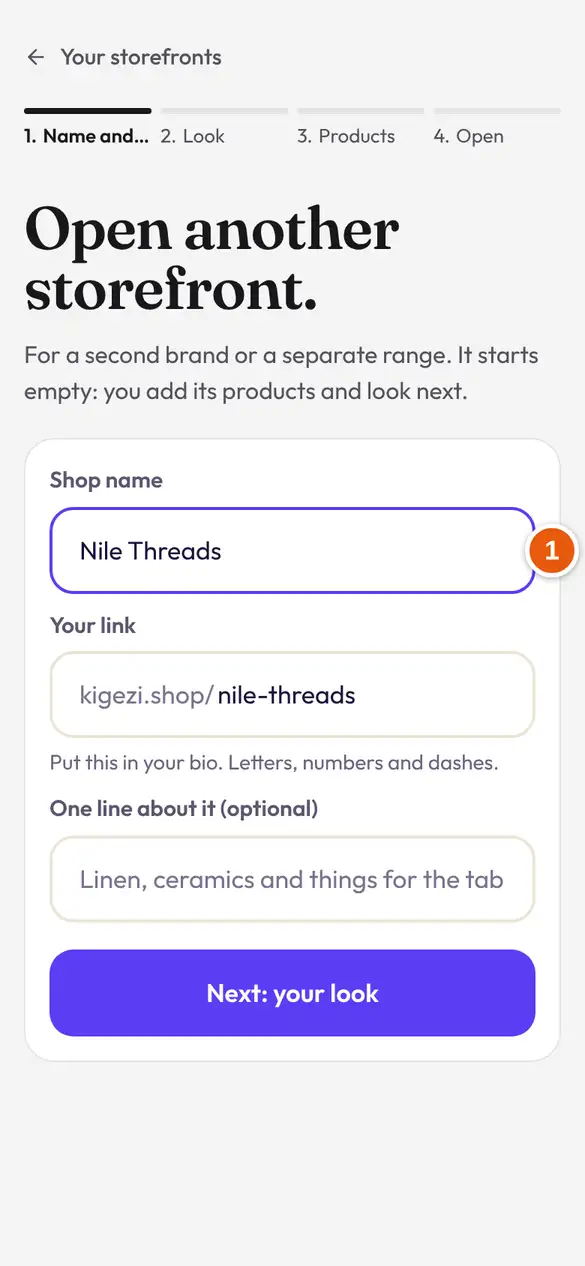
Type your shop's name. The link follows the name. Under Look, pull your look from what you already have, or make it here.
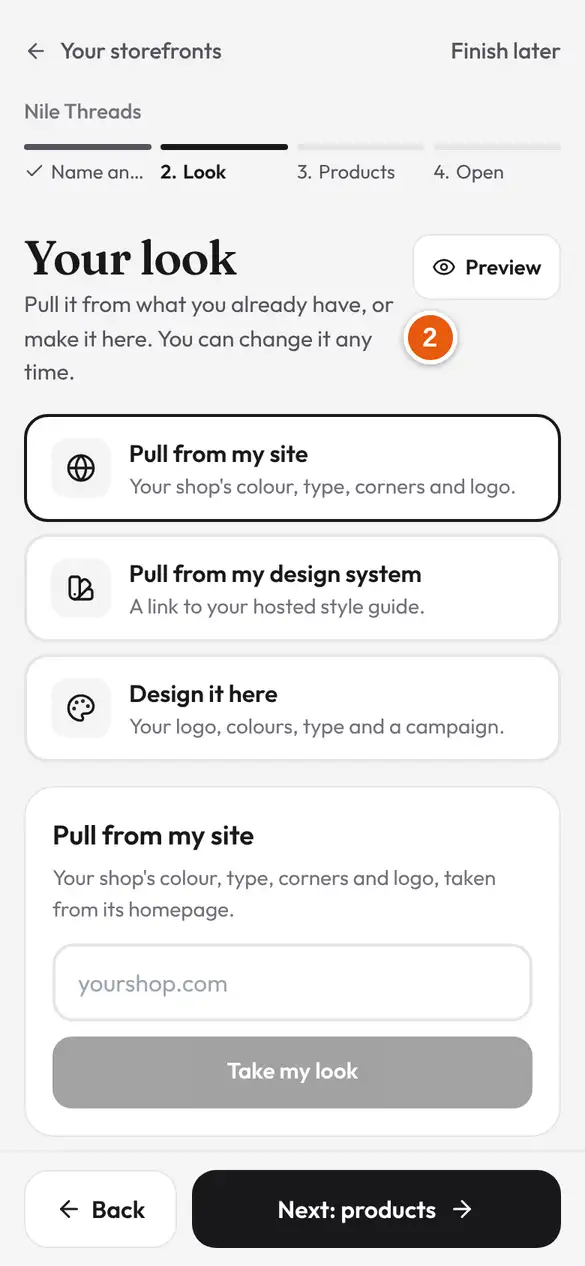
Pull your look from your site, or choose colours here. Under Products, add your products, or connect your Shopify shop.
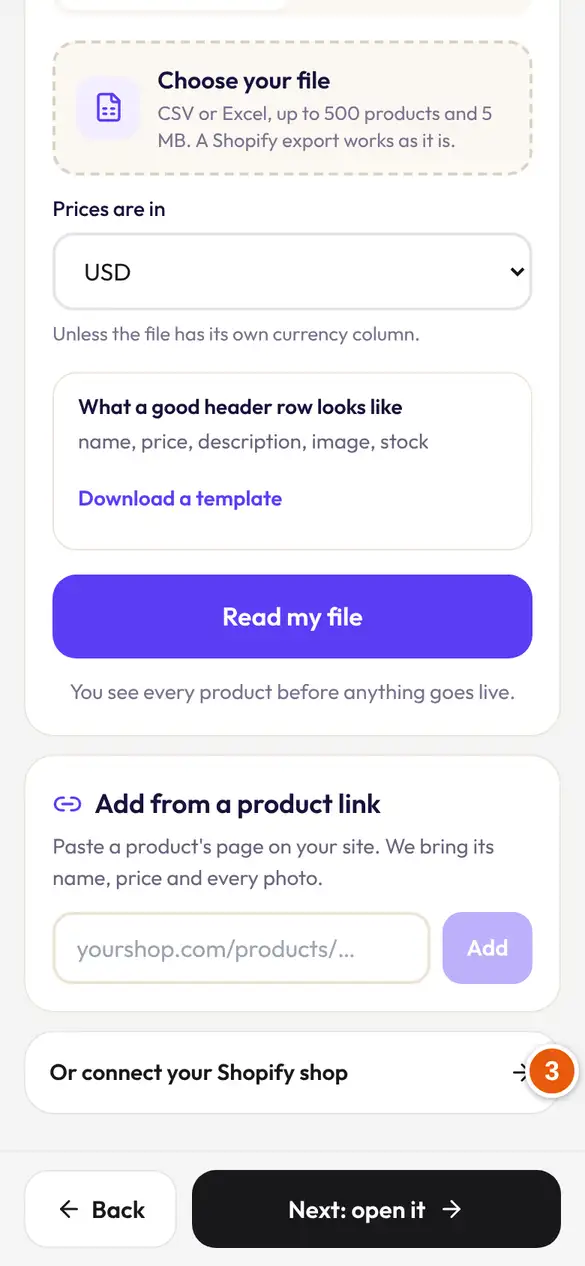
Add your products, or connect your Shopify shop. Tap Next: open it.
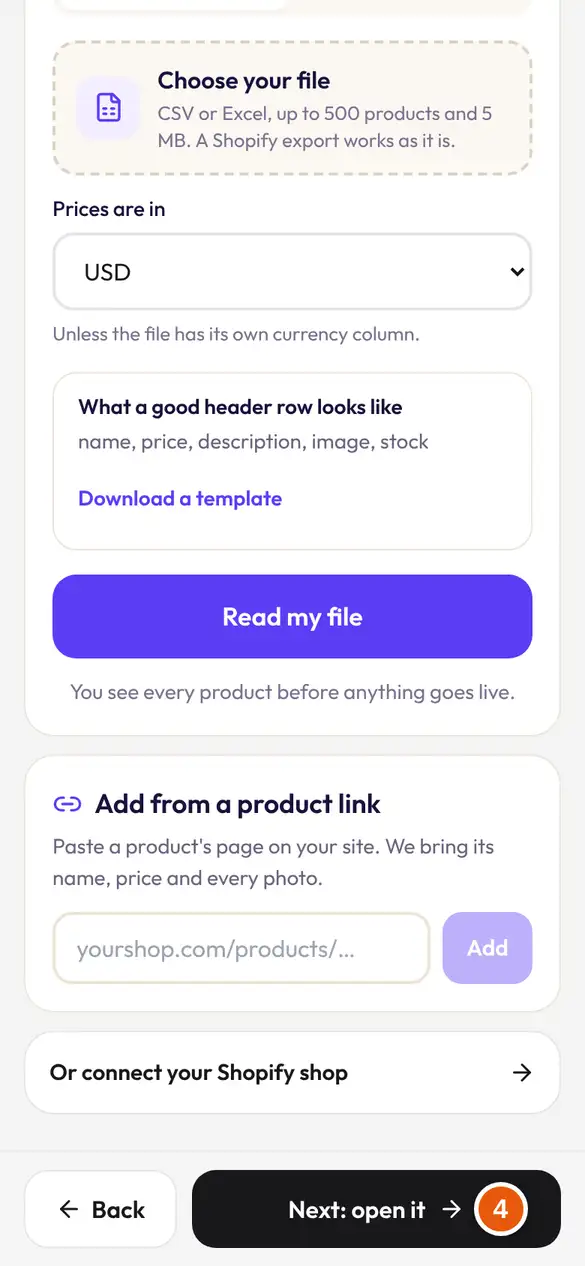
Tap Next: open it when your products are in.
What happens next
Your store is built but not open yet. Open it when you're ready: shoppers only see it once it's published.
If something goes wrong
- The link I wanted is taken.
- Change the name a little, for example add your town. The link changes with it.
- My products are missing after I connect Shopify.
- Wait a minute, then open Products again: the first sync can take a little while.