Share your store link
Your store link where your shoppers are: your bio, a chat, a printed QR code.
About 2 minutes. You need: A store that is live.
On your store's Home, find Your store link and tap Copy. Paste it in your Instagram or TikTok bio.
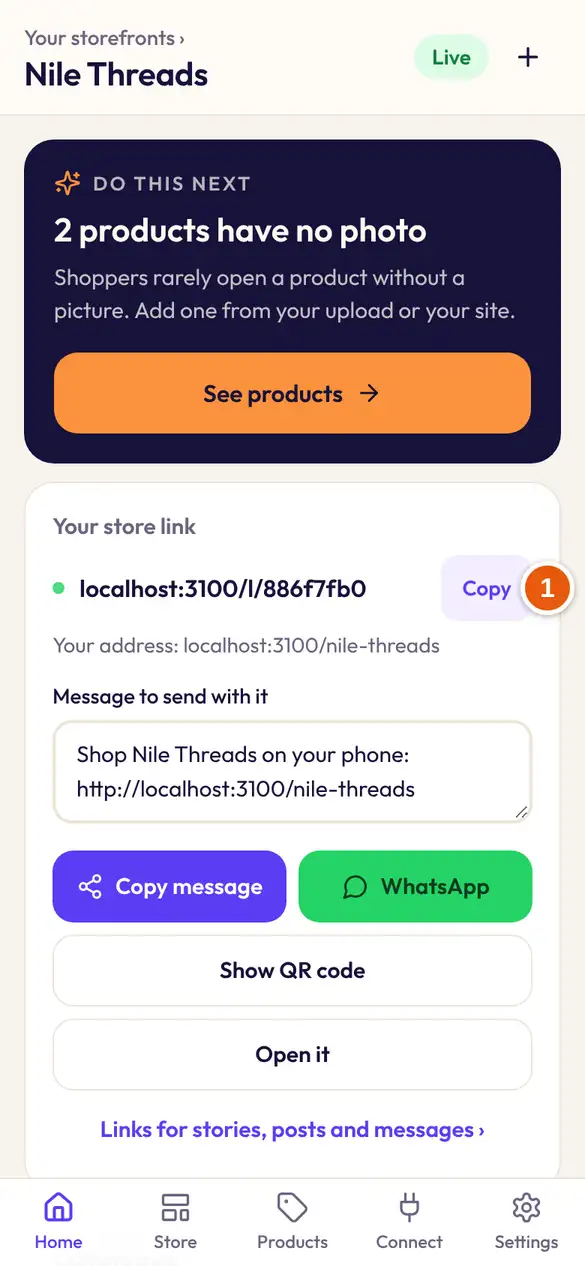
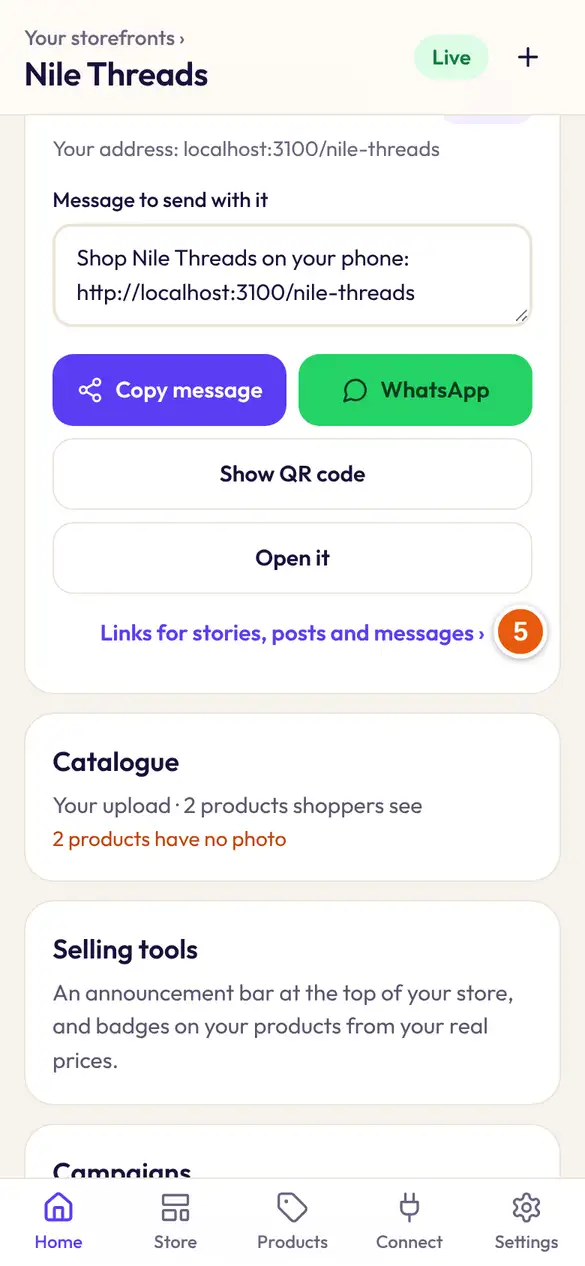
Copy your link and paste it in your bio. To send it with a few words, change Message to send with it, then tap Share. On a computer it says Copy message.
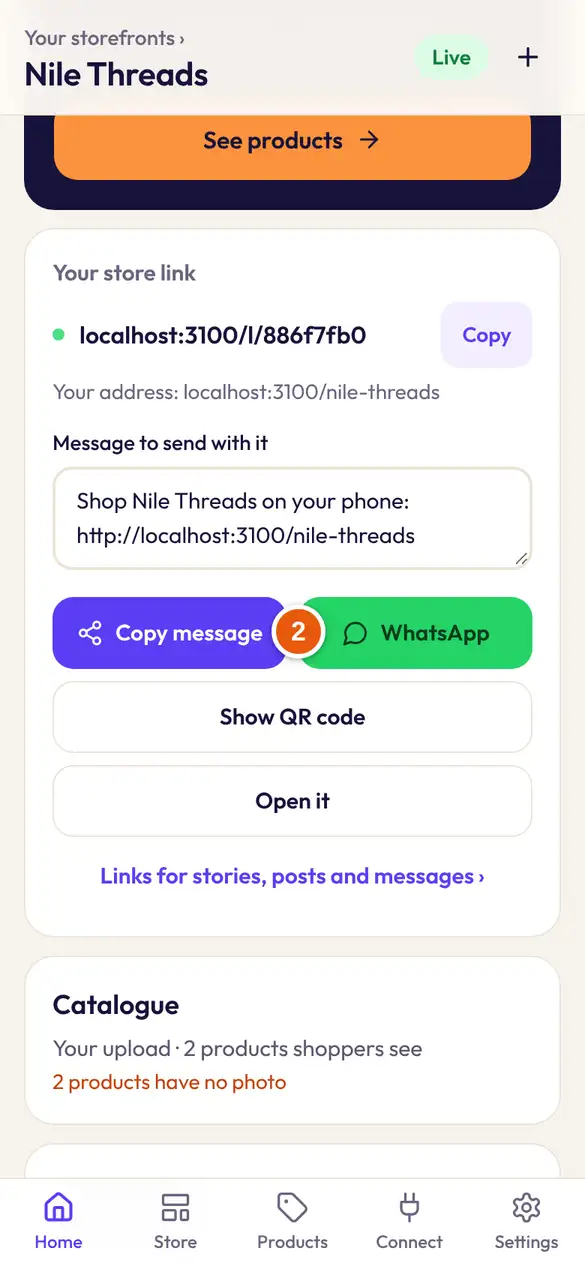
Send your link with a short message. Tap WhatsApp to send it in a chat.
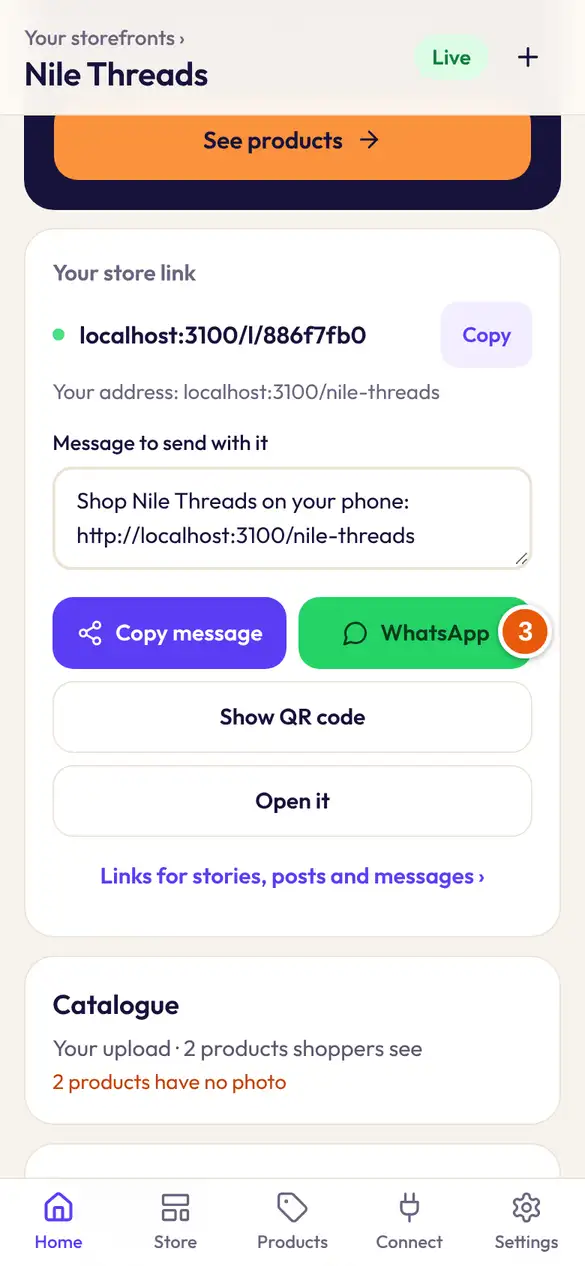
Open WhatsApp with your message ready to send. Tap Show QR code, then Download for printing, for your shop counter or market stall.
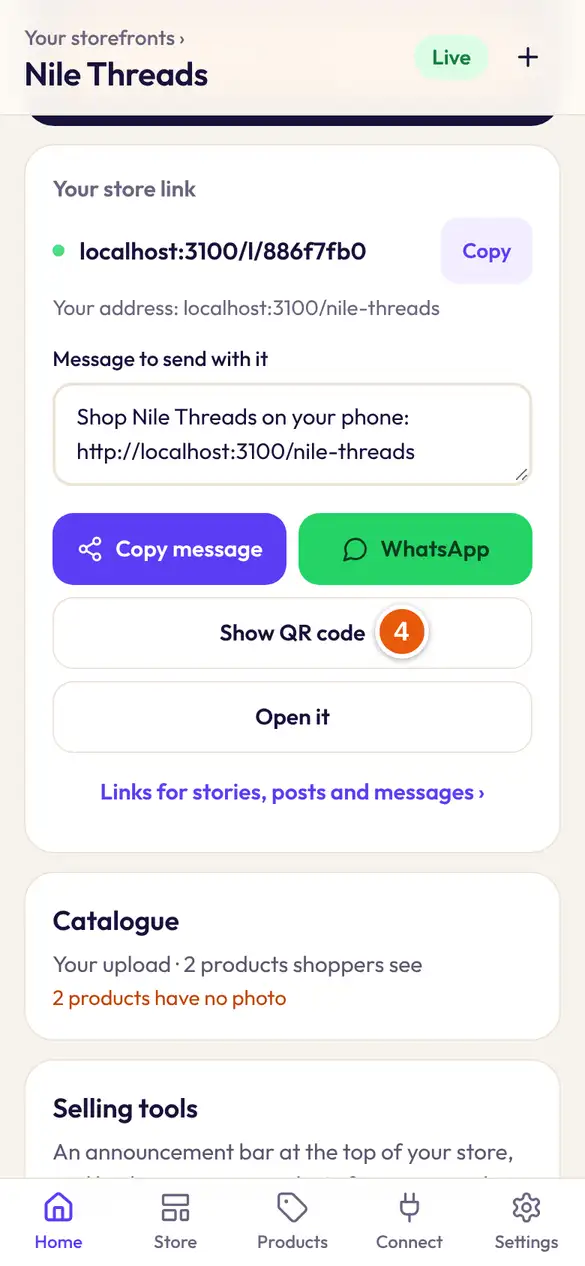
A QR code shoppers can scan to open your store. To send shoppers straight to a product or popup, tap Links to a product or popup.
A link can open any page of your store.
What happens next
Shoppers who tap your link open your store straight away, even inside Instagram and TikTok.
If something goes wrong
- It says Share it once your storefront is live.
- Your store isn't live yet. Open it first, then come back to share it.
- I changed my store's name and the link changed.
- The old link keeps working for a while and sends shoppers to the new one. Update your bio when you can.