Answer a reservation
A shopper who reserved something hears from you, and you can see which reservations are done.
About 2 minutes for each reservation. You need: A store whose products have no online checkout, so shoppers reserve them.
On your store's Home, tap Reservations. New ones are counted on it, and each one also comes to you by email.
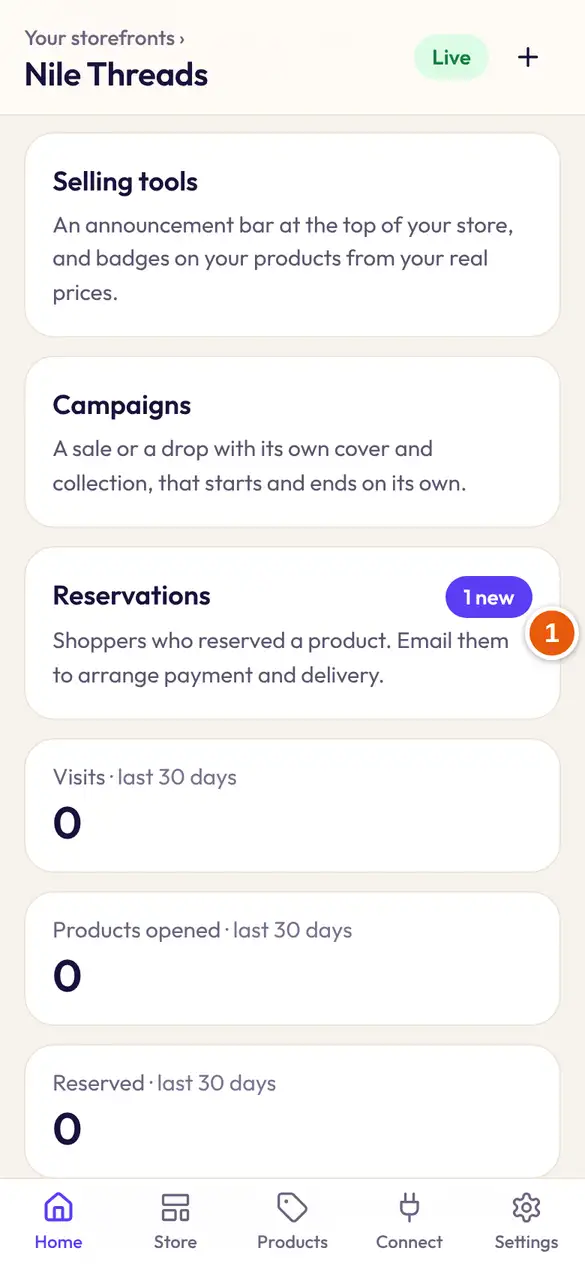
Reservations collects every shopper who reserved something. Each reservation shows the product, the shopper's name and email, and any note they left.
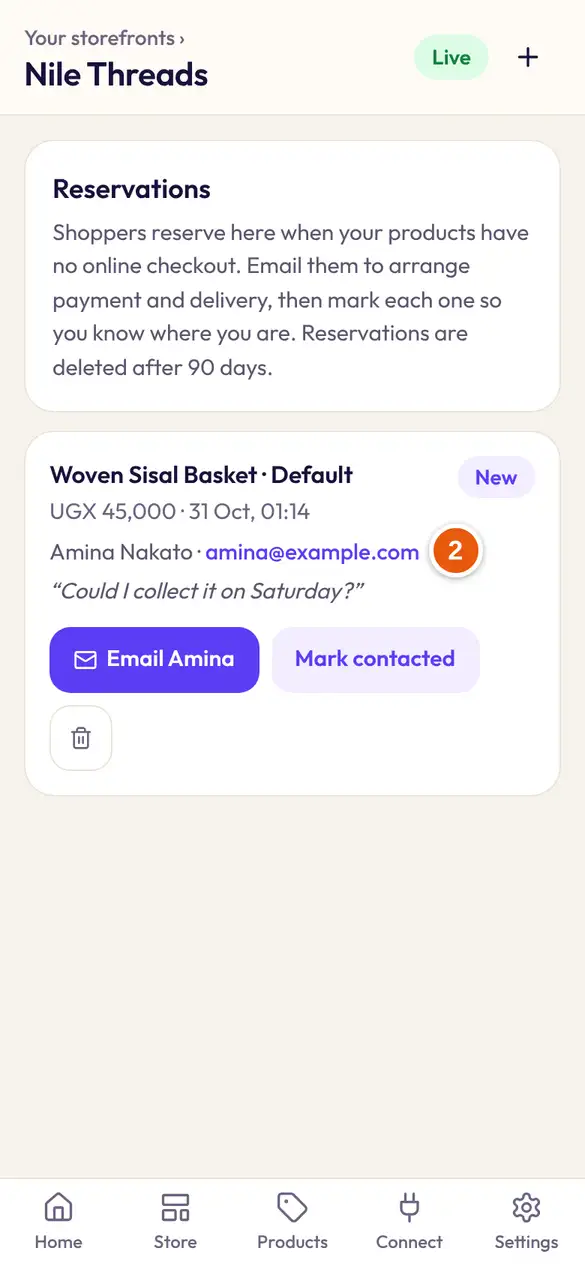
Everything you need to get back to them. Tap Email and the shopper's name. Your email opens with the reservation already written in.
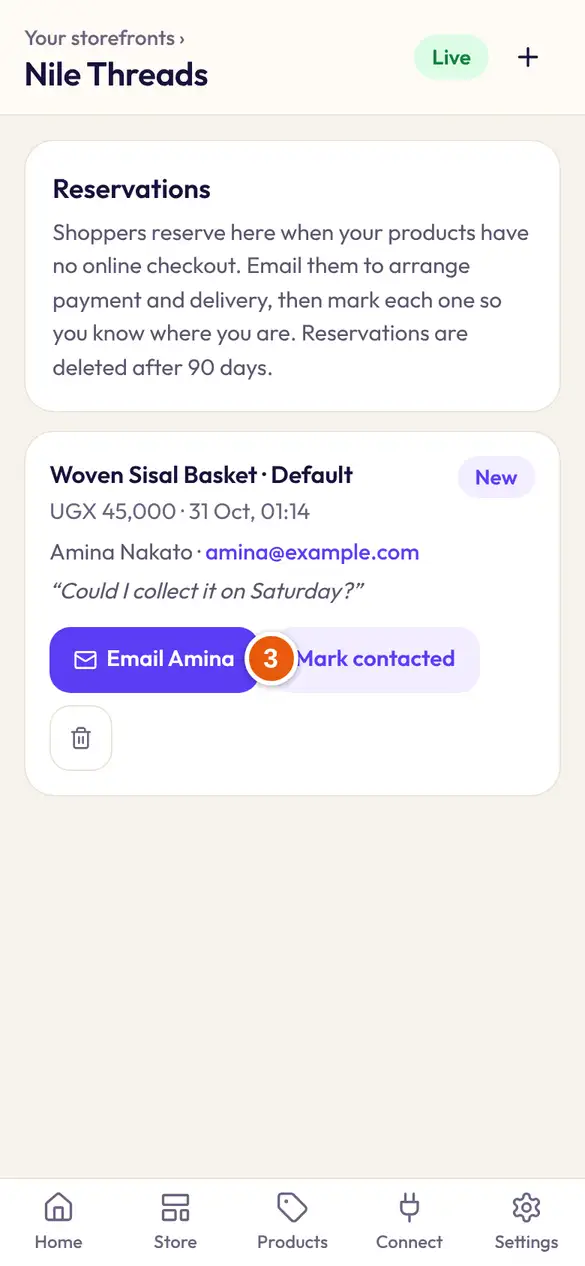
Agree payment and delivery by email. Once you've written to them, tap Mark contacted.
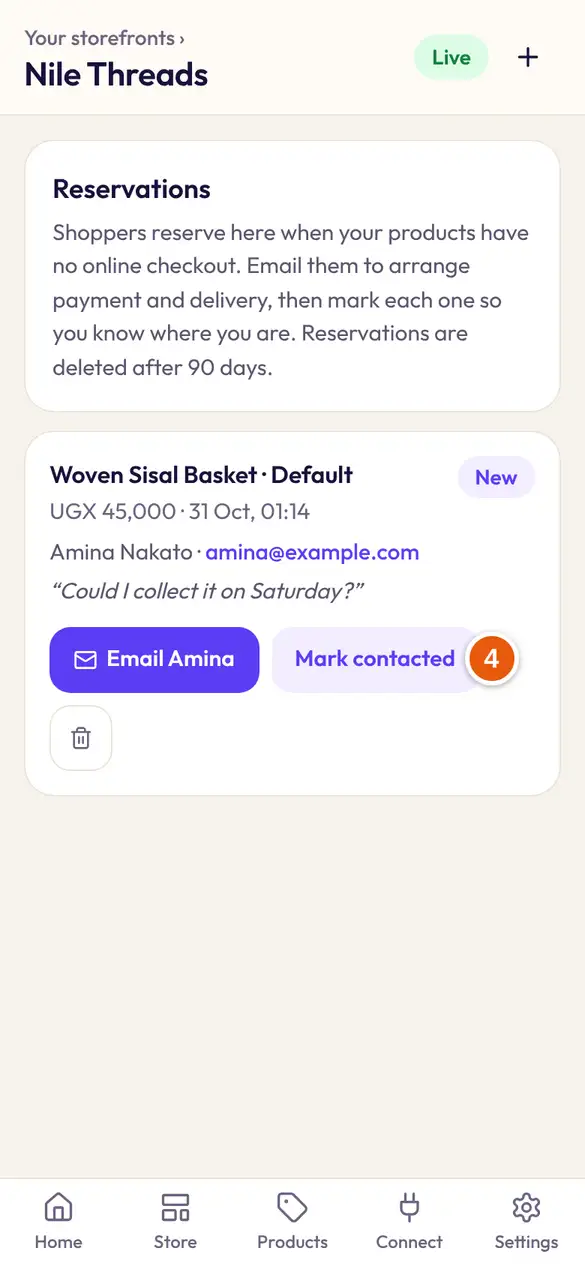
So you know who is still waiting to hear from you. When it's paid and handed over, tap Mark done.
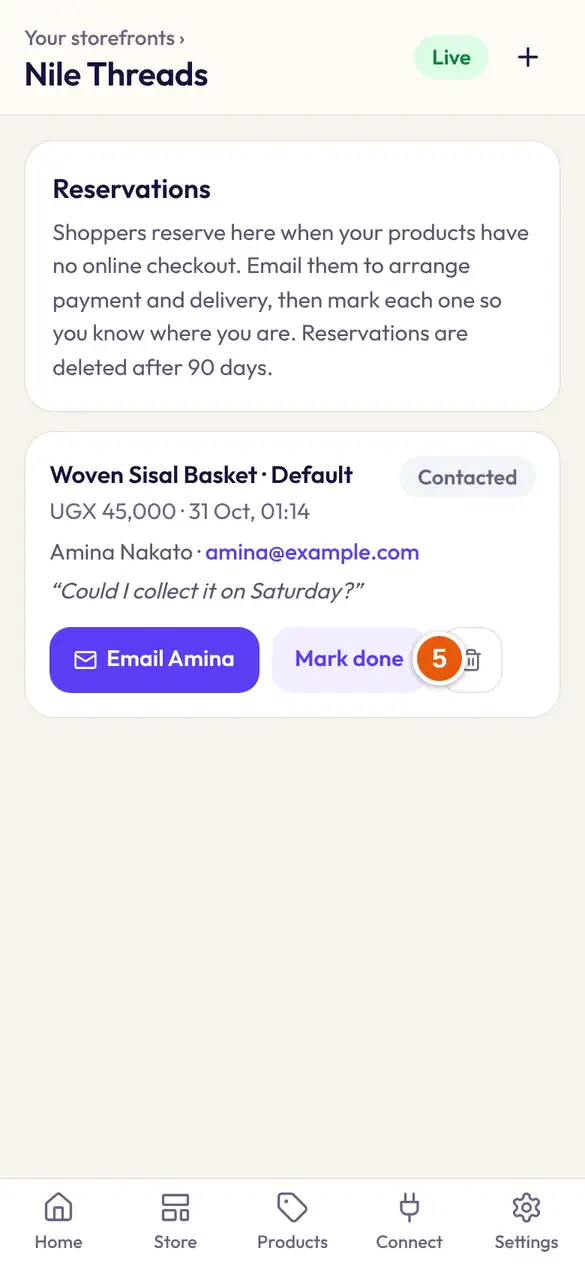
Done reservations stay listed, out of the way.
What happens next
Kigezi deletes reservations 90 days after they're made. The shopper's details are only for arranging this sale.
If something goes wrong
- I don't see Reservations on my store's Home.
- It shows once your store is live and its products have no online checkout, or once anyone has reserved something.
- A reservation was a mistake or a test.
- Delete it with the bin button on that reservation. This can't be undone.